Subscribe to a creator or squad
How to join a creator's or squad's membership tier on Breaking The Lines, and how to end it in Studio.
Platform and Studio. Any plan, signed in.
You join on Platform at breakingthelines.com and manage memberships in Studio at studio.breakingthelines.com. A creator membership is separate from the Pro and Line Breakers plans; for those, see choose a plan.
Join a tier
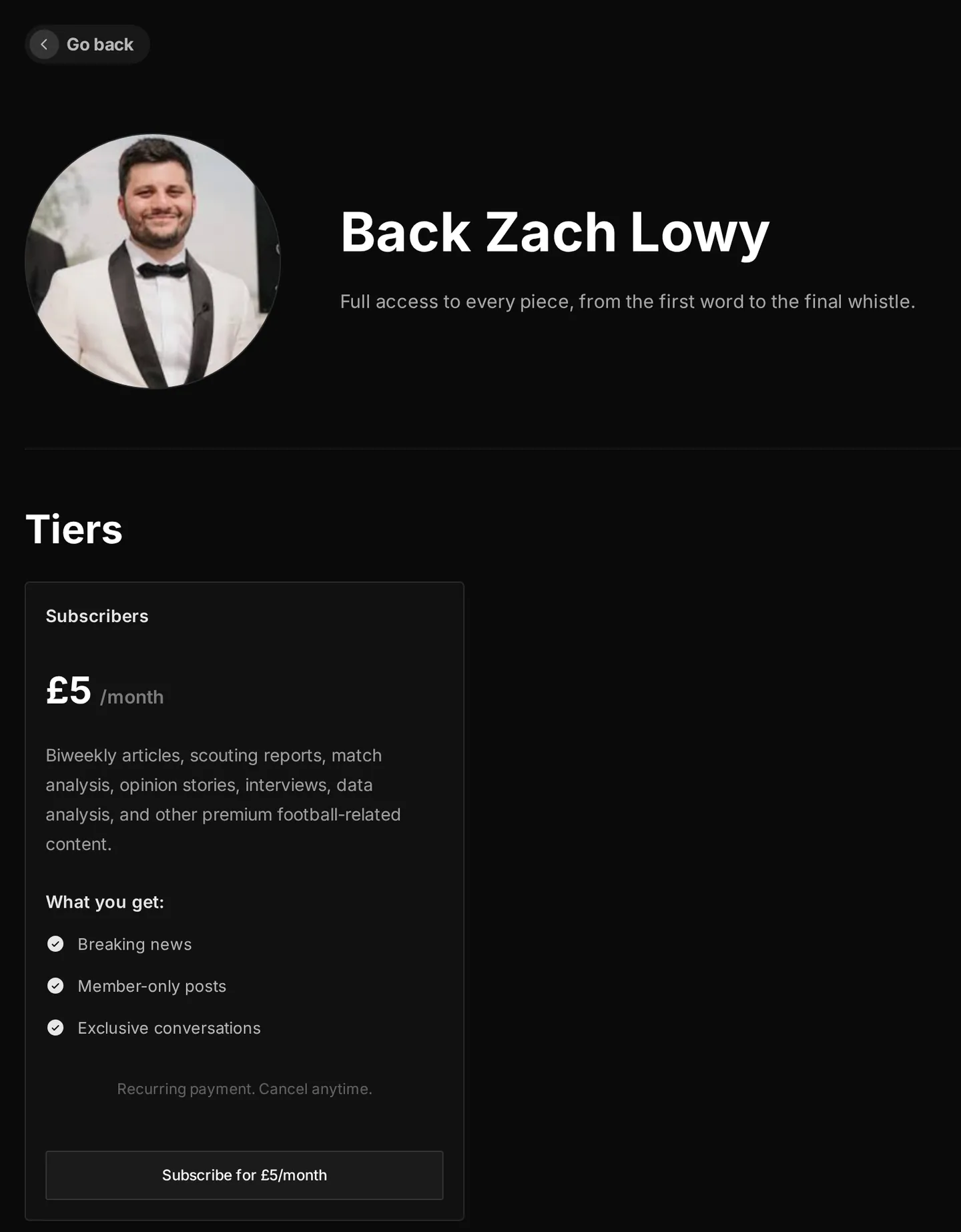
- On a creator's or squad's profile, select Subscribe. From a locked piece, select View membership options or View collection memberships. Both open breakingthelines.com/@handle/subscribe.
- The page is headed
Back <name>. Each tier shows its price and a What you get: list. - Choose Monthly or Annual where the creator offers both. Annual can show a saving.
- Select Join for free on a free tier, or Subscribe for with the price on a paid tier. Signed out, this opens Sign in first.
- A paid tier opens Stripe checkout. Pay there, and you return to the subscribe page.
- The page confirms with a Membership joined banner. A free tier is active at once and shows "Your membership is now active".
The tier you hold shows Current tier, and the profile button reads Subscribed. Creators set their own prices and currency.
Join a series
Some series have their own tiers. They are listed under Collection tiers on the same page, each with View collection. A link from a series page or a locked piece in a series opens the page focused on that series. Joining works the same way, and the banner reads Collection joined.
End a membership
- On the subscribe page, select Manage your memberships, or open Studio and select Memberships in the sidebar.
- Open the My memberships tab.
- Filter by All, Active, Ending or Ended.
- On the membership, open Membership actions.
- On a paid membership, select End at period end. Access stays until the end of the period you paid for, and the row shows Ending with the end date. On a free membership, select End now.
There is no confirm step: the change applies as soon as you select it.
The same menu has Open profile, or Open collection for a series membership.
To cancel Pro or Line Breakers, see change or cancel your plan.
Was this page helpful?