Watch videos, play podcasts and follow a series
Where videos, podcasts and series live in Platform, and how the players work.
Platform. Anyone, signed in or out.
A locked video or episode does not play. See locked pieces.
BTL TV
- In the top navigation, open Media, then under Watch & Listen select BTL TV (breakingthelines.com/tv).
- The newest @btl video sits at the top. A broadcast that is on now comes first, with a LIVE badge.
- Below it, each @btl series has its own row. Select a video to open it.
BTL TV lists @btl videos only. Other creators' videos are on their profiles and in search. For live shows, see watch and chat.
Watch a video
- Select Play video.
- On Pro or Line Breakers, if you watched part of it before, Continue from with the time picks up where you stopped.
- Under the video are the like, save and share buttons, then the thoughts.
On Pro or Line Breakers, you can post a thought at a moment in the video. See highlights and moments.
BTL Podcasts
- Open Media, then select BTL Podcasts (breakingthelines.com/podcasts).
- Use Previous show and Next show to move through the shows, or select one.
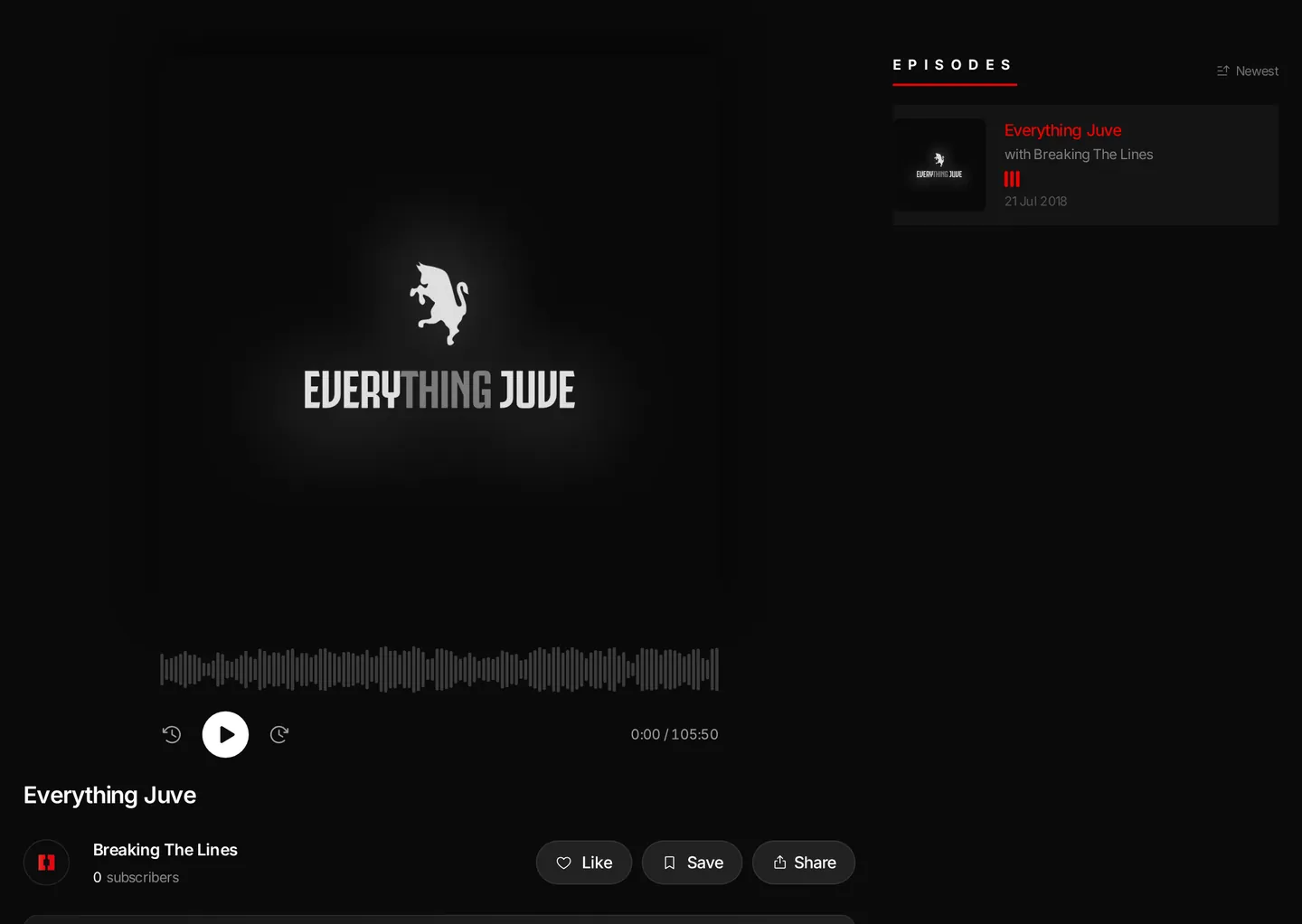
- The selected show's episodes load below with a player.
BTL Podcasts lists shows from every creator on Breaking The Lines.
Play an episode
- Open an episode and select play.
- Use Rewind 15 seconds and Forward 15 seconds, or select a point on the waveform.
- In Episodes, sort by Newest or Oldest and select an episode to play it. The episode playing has an animated marker.
Some episodes link out to where the audio is hosted.
Follow a series
A series page sits at breakingthelines.com/@handle/series-name. It lists the series name, description, number of items and every item, newest episode first for a podcast.
To add a podcast to a podcast app:
- On the series page, select Subscribe.
- Under "Subscribe in your app", select Apple Podcasts, Overcast or Pocket Casts. For any other app, select Copy RSS feed URL and paste it there.
The feed carries the public episodes only.
Some series have their own tiers. Select View collection memberships to see them. Once you hold one, the button reads Supporting. See subscribe.
Was this page helpful?